Advanced MS Office Course

Home Advanced MS Office Course

Advanced MS Office Course

At Ahmedabad’s top Advanced MS Office Academy, take our Advanced MS Office Course to realize the full potential of your professional abilities! Our course, which is intended to improve your skills, provides thorough instruction that enables you to grasp challenging jobs in all MS Office apps. Our knowledgeable educators are here to assist you at every stage, whether your goal is to improve your Excel spreadsheet skills or make engaging PowerPoint presentations. Come experience a revolutionary educational journey that blends theory and practical application by enrolling in our state-of-the-art Advanced MS Office Institute. Take a big stride ahead in your career path by enrolling in our advanced MS Office classes now! Together, let’s realize your career aspirations!

Advanced MS Office Course

FAQs – Frequently Asked Questions for Advanced MS Office Course

DMG IT Engineering & Multimedia Institute in Ahmedabad is recognized as one of the leading destinations for students, job seekers, working professionals, and business owners looking to master Advanced MS Office skills. The institute offers industry-oriented training, practical assignments, real-world projects, and hands-on learning that helps students become proficient in Microsoft Office applications for business, administration, and office productivity.

Students searching for the Best Advanced MS Office Course in Ahmedabad with practical training prefer DMG IT Engineering & Multimedia Institute in Ahmedabad because of its updated curriculum, expert trainers, small batch sizes, and career-focused learning approach.


After successfully completing the Advanced MS Office Course, students receive multiple career support services including Resume Building, Personality Development Training, Soft Skill Training, Interview Preparation, and Career Guidance.

These additional benefits help learners become industry-ready professionals and improve career opportunities in administration, office management, data entry, accounting, customer support, and business operations.

Yes, students receive a certificate after successfully completing the Advanced MS Office Course. After completing the course, students receive a Certificate.

These certificates validate practical MS Office skills and strengthen professional profiles when applying for jobs, promotions, internships, freelance projects, or higher education opportunities.

The Advanced MS Office Course covers:

  • Computer Fundamentals
  • Word
  • Advanced Word Formatting
  • Mail Creation
  • Excel
  • Advanced Excel Functions
  • Excel Formula
  • Charts and Graphs
  • Data Analysis
  • PowerPoint
  • Presentation Design

Students gain practical exposure through real-world assignments, office projects, reports, presentations, and case studies.

Anyone interested in office administration, data management, business operations, documentation, presentations, reporting, or computer applications can join this course.

Suitable for:

  • Students
  • Office Executives
  • Administrative Staff
  • Data Entry Operators
  • Accountants
  • Business Owners
  • Entrepreneurs
  • Job Seekers
  • Working Professionals

No prior advanced MS Office experience is required.

Yes, Advanced MS Office is one of the most valuable skills for employment across multiple industries. Many companies require proficiency in Word, Excel, PowerPoint, Outlook, and office productivity tools for administration, reporting, communication, and operations roles.

Candidates with strong Advanced MS Office skills often have better job opportunities and career growth prospects compared to those with only basic computer knowledge.

Yes, students can enroll after completing 10th, 12th, graduation, or while pursuing college studies. The course is designed to accommodate learners from different educational backgrounds.

Whether you are a student, fresher, office executive, administrator, accountant, business owner, or working professional, the training program provides step-by-step learning from basic concepts to advanced MS Office applications.

Yes, this is a 100% skill-based Advanced MS Office Course focused on practical learning and industry-ready training.

Students work on:

  • Business Documents
  • Excel Reports
  • Presentations
  • Office Automation Tasks
  • Database Projects
  • Real-world Assignments

The objective is to develop job-ready skills applicable across industries and business functions.

The institute offers:

  • Online Training
  • Offline Classroom Training
  • Hybrid Learning

Students can choose the learning format that best suits their schedule, location, and learning preferences.

The Advanced MS Office Course is 100% practical and project-oriented.

Students regularly create:

  • Professional Documents
  • Excel Reports
  • Business Presentations
  • Office Templates
  • Email Communications
  • Database Records

Practical learning helps students gain real-world experience and confidence.

Advanced MS Office remains one of the most demanded professional skills across industries.

Career opportunities include:

  • Office Executive
  • Administrative Assistant
  • Data Entry Operator
  • MIS Executive
  • Back Office Executive
  • Computer Operator
  • Documentation Executive
  • Office Administrator

Organizations of all sizes require professionals who can efficiently manage documents, reports, data, and communication using MS Office tools.

Students learn advanced MS Office tools and features including:

  • Word
  • Excel
  • PowerPoint
  • Charts & Graphs
  • Business Presentation Design

The curriculum is regularly updated according to current industry requirements.

Advanced MS Office Course

With our specialist Advanced MS Office course, take a fascinating voyage into the realm of efficiency and productivity. Regardless of your need for Advanced MS Office Training, Classes, or an Institute in Ahmedabad, our program provides a thorough curriculum that will provide you the advanced abilities and methods for using Microsoft Office products. Our training guarantees that you’re well-prepared to optimize the possibilities of Word, Excel, PowerPoint, and Outlook, from learning intricate formulae and functions in Excel to automating processes using macros and VBA programming.

Affiliation & Certificate

DMG IT Engineering & Multimedia Institute
  • 100% Practical Session
  • 100% Job Assistance
  • Free Soft Skill Training
  • Free Interview Preparation
  • Free Reume Building
  • Free Portfolio Creation
  • Free Workshop & Seminar
  • Personal To Personal Teaching

Request Form Free Demo


    Advanced MS Office Course

    With our thorough Advanced MS Office Course in Ahmedabad, you can unleash Microsoft Office’s full potential. Our knowledgeable instructors at Advanced MS Office Academy offer comprehensive instruction and practical experience with Word, Excel, PowerPoint, and Outlook’s most sophisticated capabilities. Our advanced MS Office classes offer specialized teaching to meet your goals, whether you’re a student hoping to succeed in the job or a professional looking to improve your abilities. Become proficient in data analysis, automation, presentation design, and email management by enrolling in our Advanced MS Office Institute. With our specialist Advanced MS Office Trainings, you may improve your career chances and remain competitive in the employment market today.

    Advanced MS Office Course Modules

    • How to PC start, Log off, Restart, Shut down? What is computer & how it works done?
    • Keyboard introduction
    • Hardware software concept
    • Input and output device, What is booting process?
    • What is Computer Memory? & Types of memory
    • What is Bit, Byte? Measurement of KB, MB & GB
    • What is OS? & Types of OS
    • Introduction of Desktop, Icons, Taskbar, Start Button.
    • How to open & Close any window. Use of maximize, minimize and close button.
    • “Change the Desktop properties( Theme, Background, Window color, Screen saver, Desktop icon, Mouse pointer,” Account picture)
    • Taskbar & start menu properties
    • What is File & folder?
    • Create folder, Open & close method file & folder
    • Rename folder, Delete any file & folder & restore it.
    • Change icon of folder, & also hide unhide of it.
    • Different views in the folder
    • Cut, Copy, Paste options of folder
    • How to set Gadgets? & it’s all options.
    • How to search any file & folder? , Advance Search ( Date vise, Size vise)
    • Control Panel options ( Set single click & double click, Set system date & time, Set Currency formats)
    • What is Briefcase?
    • What is Notepad? (File , Edit, Format, View menu with all its options)
    • What is Paint? ( Home & View tab with all its options)
    • How to start Excel?
    • Introduction of Excel.(Spreadsheet)
    • Use of MS-Excel
    • Difference between workbook and worksheet
    • Information About Excel’s screen components like Formula bar, Cell, Row, Columns, cell address, cell Range
    • What is Formula and how to apply it?
    • Insert sheet, delete sheet, move or copy sheet & also tab color of sheet
    • How to merge more than one Row & Column?
    • Apply function like Minimum, Maximum, Sum, Average in Mark sheet table.
    • Result , Grade function in Mark sheet table
    • Insert Chart of Mark sheet & all its tools
    • Apply Conditional formatting on Text & Numbers
    • Create Bill table
    • How to apply Freeze pane?
    • Group Ungroup effect on Row & Column
    • Create Interest table Yearly, Monthly, Daily
    • Also find interest on multiple amount using Data table
    • Give Protection to worksheet
    • Give Security to workbook
    • Apply Across worksheet
    • Create Electric Bill
    • Create Salary table
    • Create Attendance sheet of student details
    • How to apply Scenario manager?
    • How to convert Text to column?
    • Apply Filter, Advance filter on Text & Numbers
    • Text function
    • Date & time function
    • Numerical function
    • Sum, Sumif, Sumifs, Count, Countif, Countifs
    • Vlookup Function
    • How to start Power point?
    • Introduction of Power point & its uses
    • Different View of Slide
    • How to create New slide & How to apply different-different slide Layout
    • Apply Background to slide
    • Set theme to slide
    • Give slide transition
    • Give custom animation to select picture, text and chart
    • And also remove animation
    • Rehearse timing to all the slides
    • Hide Unhide slide
    • Set custom slide show
    • How to insert header & footer?
    • Create Photo album as a slide show
    • Give Hyperlink to one slide to another or existing file
    • How to insert action button to give hyperlink?
    • What is Internet?
    • How it works?
    • Various use of internet
    • Supported Brower’s to start internet
    • Search engine (Google) & Download all types of details from Internet
    • What is Mail ID? & How it create? Like YAHOO, GMAIL
    • All options of mail account
    • Use of MAP
    • Free online greetings website
    • Online free message website
    • How to start Word?
    • Introduction of Word, Use of Word document, & Overview of Word.
    • All over view of word by view tab
    • All shortcut keys of word
    • Shortcut keys using menu options. How to set a ruler & margin?
    • Line spacing options
    • Using ruler, margin & line spacing options create letters practically
    • How to use Bullets & numbering?
    • Use of Watermark.
    • Use of page border & page color
    • How to insert from clip art? & all its tools.
    • Also insert a picture from the file & its tools.
    • Insert shape & how to editing, and Formatting to it
    • Insert word art text & all its tools
    • How to insert header & footer?
    • Give different headers to different page
    • Start page number to a particular page using header & footer
    • How to insert smart art? & also its tools
    • Insert table & its all tools for editing & formatting table
    • Using table tools create a mark sheet table for example
    • Insert symbol & give shortcut key to it
    • Insert arrow & how to change arrow direction?
    • Insert Text box & How to hide the border of the text box?
    • Using arrow, textbox, & clip-art picture give example of it
    • How to apply the Drop cap effect?
    • Also apply column effect
    • How to insert a table of contents?
    • How to insert a table of figures?
    • Give protection to document
    • Also give security to document
    • How to insert an index using Mark entry?
    • Give hyperlink to the exciting file
    • Give hyperlink to this document using a bookmark
    • Create a Mail merge
    • Create Format of documentation using all options of word
    • How to start Access?
    • Introduction of Access database & its uses
    • Create a table. ( Mark sheet, Bill, Fees )
    • How to make changes in Table design? How to add or delete Columns?
    • Insert records in tables
    • Explain what the is Primary key.
    • What is Form? How to connect the table with Form?
    • Create Form of the created table
    • Explain design view & visual basic view
    • Write the formula in the form
    • Also How to run the form
    • Create a Report of a table using a wizard
    • Also create grouping in the report
    • Create Query in design view( Make table ,select, update , delete , Append )
    • Run the Query & see result
    • Join tables using Relationship
    • Also give validation in tables
    • Different format of the date field
    • What is Outlook? How it is useful.
    • Concept of Outlook Shortcuts like Inbox, Calendar, Tasks, Contacts, Notes, Deleted Items Etc.
    • Make use of Calendar & Task
    • Create a Note, Put it on the Desktop
    • Different View of Contacts How to save files In Contacts
    • Use of Inbox, Outbox and Drafts.

    How We Help Our Students

    Our institution focuses on holistic student development through practical sessions, job assistance, and individualized teaching. We offer free resume building, portfolio creation, workshops, seminars, and soft skill training to equip students with the necessary tools for professional success, including interview preparation.

    100% Practical Session
    100% Practical Session

    Our courses place a strong emphasis on experiential learning, guaranteeing that students get the real-world information and practical skills necessary for their chosen careers. Learners can apply theoretical concepts in real-world circumstances through immersive activities.

    100% Job Assistance
    100% Job Assistance

    By offering thorough job help services, we are dedicated to enabling our students outside of the classroom. Our committed staff assists students in finding rewarding job possibilities that complement their abilities and career goals, from resume polishing to interview preparation.

    Personal To Personal Teaching
    Personal-To-Personal Teaching

    Students can succeed intellectually and personally thanks to our individualized approach to teaching, which places a strong emphasis on mentoring and individualized attention. We build strong student-teacher relationships and a supportive learning atmosphere.

    Resume Building & Portfolio Creation
    Free Resume Building & Portfolio Creation

    We are aware of the significance of a strong portfolio and resume in the cutthroat job market of today. For this reason, we provide free help in creating expert resumes and portfolios that effectively highlight the abilities, experiences, and accomplishments of our students.

    Workshop & Seminar
    Free Workshop & Seminar

    As part of our dedication to lifelong learning and professional growth, we frequently provide free seminars and workshops on a range of subjects related to the academic specializations of our students. These gatherings offer priceless knowledge, chances for networking, and useful advice to keep students current and competitive in their fields.

    Soft Skill & Interview Preparation
    Free Soft Skill Training & Interview Preparation

    To succeed in the workplace, soft skills are just as important as technical knowledge. Our free soft skills and interview prep workshops concentrate on improving problem-solving, communication, teamwork, and other critical abilities that employers value. 

    100% Job Assistance With Award Winning Institute

    Why DMG IT Engineering & Multimedia Institute?

    We have Tie Up With

    800+ Placement Companies

    Ready to Provide You with the Best Job Offers
    5000 +

    Happy Students

    3000 +

    Placed Students

    11 +

    Years Of Experience

    500 +

    International Students

    8 Times Awarded By MIT, Govt Of India for “Well Performance Training Institute In Gujarat” during 2018, 2019, 2020, 2021, 2022, 2023, 2024 & 2025

    How We Help Get Hired By The Best?

    OUR PLACEMENT PARTNER

     Disclaimer: We Would Like To Clarify That While Our Students Are Placed At The Esteemed Company Mentioned Direct Or indirectly, We Do Not Have A Direct Business Relationship With Them. The Rights To Their Logo Are Solely Retained By The Company Itself. We Utilize Their Logo Purely For The Purpose Of Acknowledging The Successful Placement Of Our Students.

    100% Job Assistance With Award Winning Institute

    Our Placement Partners

     Disclaimer: We Would Like To Clarify That While Our Students Are Placed At The Esteemed Company Mentioned Direct Or indirectly, We Do Not Have A Direct Business Relationship With Them. The Rights To Their Logo Are Solely Retained By The Company Itself. We Utilize Their Logo Purely For The Purpose Of Acknowledging The Successful Placement Of Our Students.

    Placement Partners

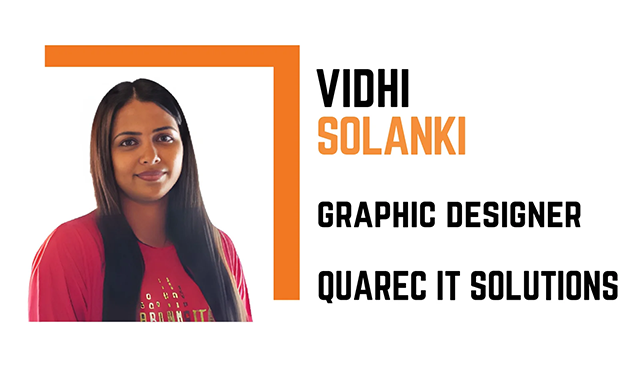
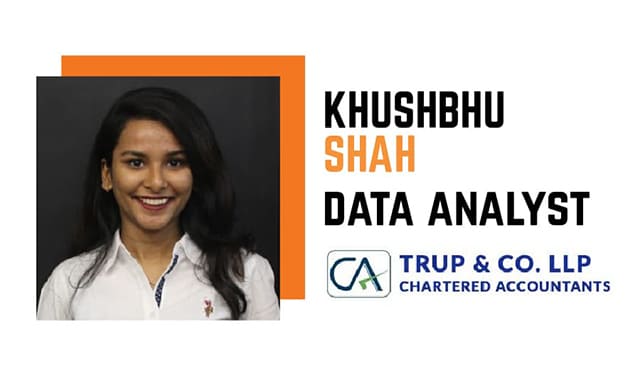
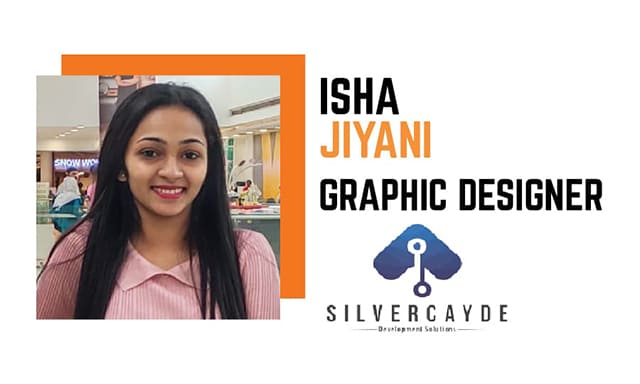
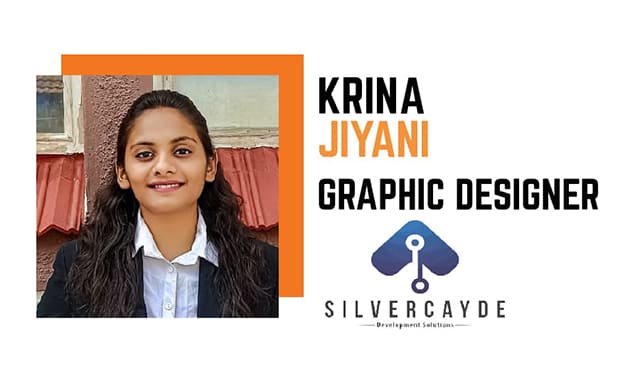
    OUR ALUMNI

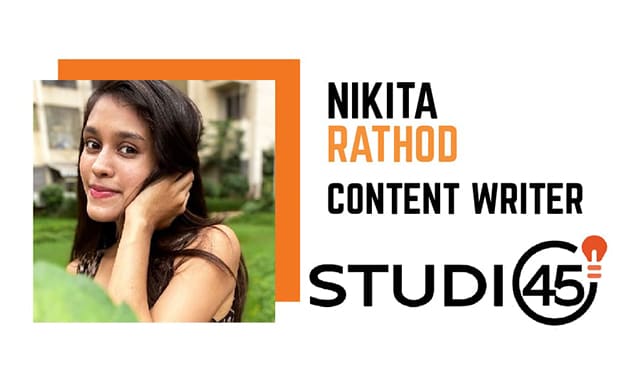
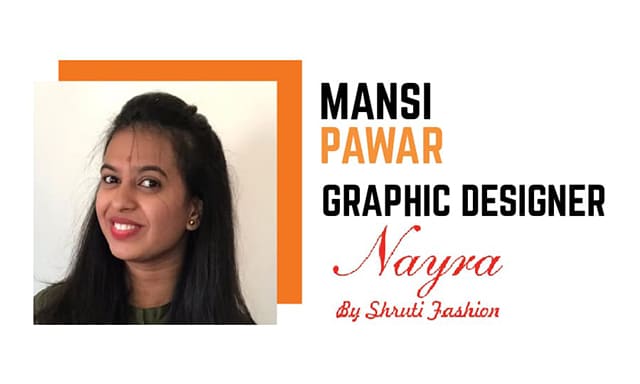
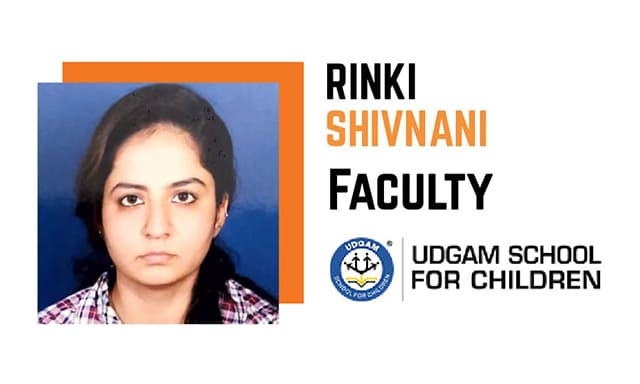
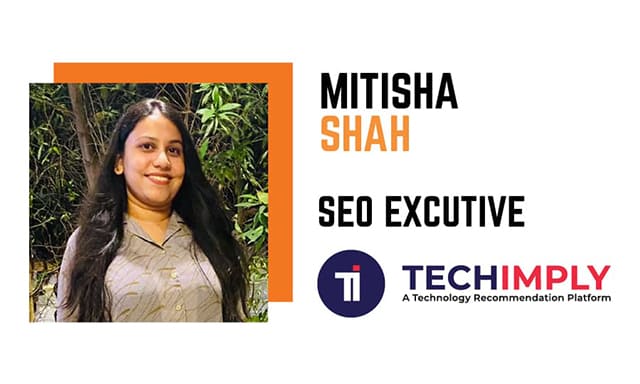
    Our dedication to providing exceptional education is demonstrated by our esteemed graduates. Their varied experiences, successes, and contributions from a range of industries serve as prime examples of our programs’ transformational potential. Current students gain access to networking opportunities, career route insights, and mentorship through our robust alumni network. Our alumni network is still expanding and doing well, acting as representatives of our university’s core principles and high caliber of instruction. Future generations of students are inspired and motivated to follow their dreams with confidence and tenacity by their success tales.

    AFFILIATION & CERTIFICATE

    Our institution offers high-quality education with ISO 9001:2015 accreditation, partnerships with industry giants like Google Analytics, and a government affiliation. These affiliations validate our commitment to quality and provide students with recognized credentials, enhancing their employability and professional standing in the competitive landscape.